
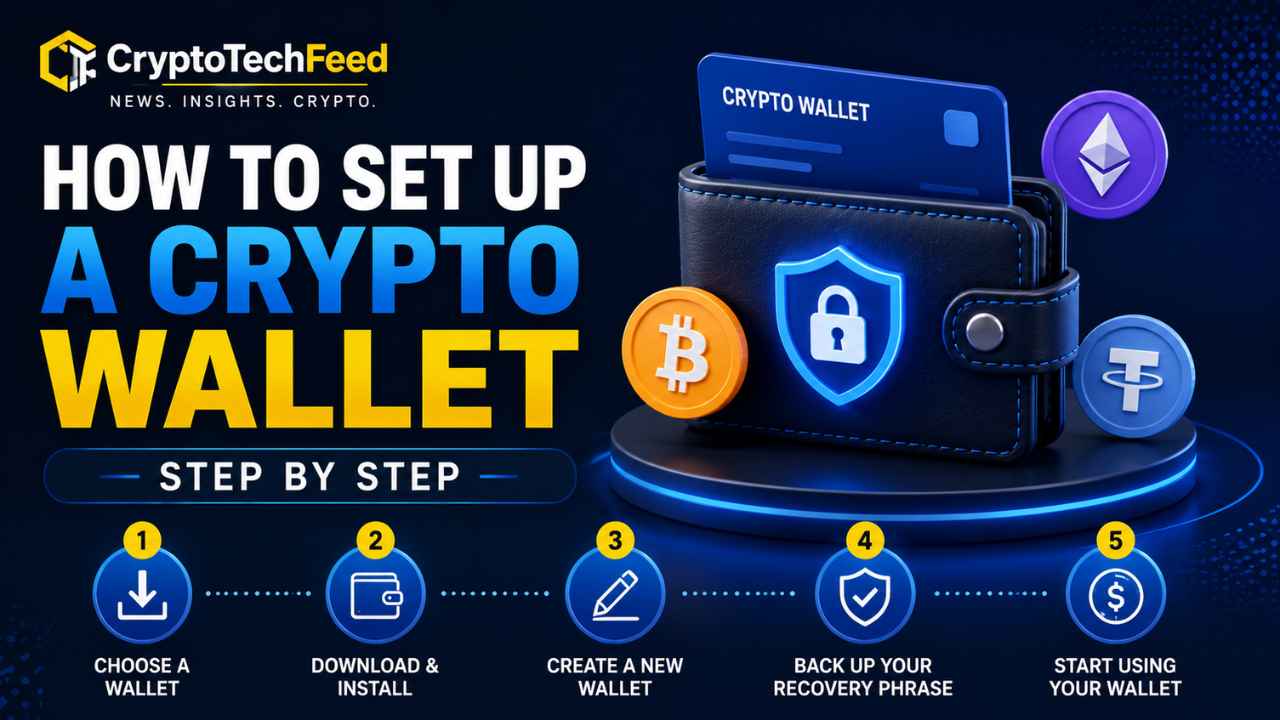
My cousin bought his first Bitcoin in July, sitting on an exchange, and texted me the next morning asking, “wait, do I actually own this or does the app own it?” Fair question. The honest answer is that until you move funds into a wallet you control, you’re trusting a company’s servers, not holding crypto yourself. That distinction is the entire reason wallets exist.
Setting one up isn’t complicated once you understand what each piece is actually doing. It just has more steps than people expect, and skipping any one of them is how good money turns into a hard lesson. Here’s how to set up a crypto wallet step by step, without the jargon getting in the way.
Step 1: Decide What You’re Actually Protecting Against
Before you install anything, figure out what risk matters most to you. Someone holding 200 dollars in a coin they trade weekly has different needs than someone parking a year’s savings for the long haul. A wallet is only as good as the threat model it was chosen for, so this step actually comes first, not last.
If you’re moving small amounts often, convenience matters more. If you’re storing something you don’t plan to touch for months, security should win every time. Keep that tension in mind, because it decides which wallet type you pick next.
Step 2: Choose Hardware Wallet vs Software Wallet
This is the fork in the road, and it’s worth understanding properly instead of just picking whatever a YouTuber recommended.
A software wallet is an app, either on your phone, your browser, or your desktop. Your private keys live on that device, encrypted, but still connected to the internet whenever the app is open. It’s free, fast to set up, and perfect for daily use, small trades, or interacting with apps like DEXs and NFT marketplaces. The tradeoff is that anything connected to the internet is technically reachable by malware, a fake browser extension, or a cleverly worded phishing prompt.
A hardware wallet is a small physical device that generates and stores your private keys completely offline. When you sign a transaction, the device itself confirms it, so your keys never touch your internet connected computer or phone even while you’re using them. This is what security professionals mean when they say cold storage. It costs money, usually between 60 and 200 dollars, and it’s slightly less convenient for quick trades. But for anything you’d genuinely hurt to lose, it’s the standard for a reason.
Most experienced holders end up running both. A software wallet for everyday spending money, and a hardware wallet for the bulk of their holdings, the part they’d actually cry about losing.
Step 3: Pick Your Wallet and Download It Correctly
This step sounds obvious until you realize how many people get scammed right here, before they’ve even funded a wallet. Fake wallet apps, cloned websites, and malicious browser extensions impersonating popular wallets are a constant, ongoing problem.
Only download a wallet from the official website, typed directly into your browser, or from the App Store or Google Play after searching the exact developer name. Check the download count and reviews. A wallet app with 40,000 downloads pretending to be MetaMask is not MetaMask.
For a hardware wallet, buy directly from the manufacturer or an authorized retailer. Never buy one secondhand, from a marketplace listing, or already unboxed. There’s a real history of scammers pre-loading devices with a compromised seed phrase, then waiting for you to fund it before draining everything.
Step 4: Generate Your Wallet and Write Down the Seed Phrase
When you first set up either type of wallet, it will generate a seed phrase, usually 12 or 24 random words. This phrase is the actual master key to your funds. Your wallet app is just an interface, but the seed phrase is what mathematically controls every asset tied to it.
Write it down on paper, or better, stamp it into metal if you’re storing meaningful value long term, since paper burns and water damages ink. Write it in the exact order shown. Do not type it into a notes app, a password manager connected to the internet, an email draft, or a photo on your phone. That advice sounds paranoid until you remember that malware specifically scans devices for exactly those file types looking for seed phrases.
Store it somewhere only you can find, ideally in more than one physical location in case of fire, flood, or theft. Never photograph it. Never share it, not with support staff, not with anyone claiming to help you recover funds, not ever.
Step 5: Verify the Wallet Address Before You Fund It
Before sending anything meaningful, send a small test amount first, then confirm it arrived. This costs a few cents in fees and saves you from sending your life savings to a typo. Wallet addresses are long strings of random characters, and clipboard hijacking malware exists specifically to swap a copied address for an attacker’s address the moment before you paste it. Always double check the first and last few characters match what you expect after pasting.
How to Recover a Crypto Wallet Using Your Seed Phrase
If your phone breaks, your hardware wallet gets lost, or you simply want to move to a new device, recovery works the same way across almost every wallet. Install the same wallet software on the new device, choose the “restore” or “import wallet” option instead of “create new,” and enter your seed phrase in the exact order it was written down. The wallet regenerates every private key from those words and your balances reappear automatically, since the balances were never actually stored on the old device to begin with, they live on the blockchain itself.
This is also exactly why the seed phrase matters more than the device. Lose the hardware wallet, still have the phrase, you recover everything. Have the device, lost the phrase, and it gets damaged or stolen, there’s no support ticket that gets your funds back. No customer service line, no password reset email, nothing. This isn’t a bank account. Nobody sits above the blockchain with the authority to reverse that for you.
How to Avoid Crypto Wallet Scams
Wallet related scams have shifted a lot over the past two years, and the trend is worth knowing before you’re the one staring at a suspicious message. Phishing and social engineering, tricking a person into approving something or handing over information, has now overtaken pure code exploits as the dominant way crypto gets stolen. Personal wallet compromises alone accounted for hundreds of millions of dollars in losses last year, and address poisoning, where scammers send a look alike transaction to pollute your history so you accidentally copy their address later, has caused losses running into the tens of millions from single victims.
A few patterns show up again and again.
- No legitimate support agent, wallet provider, or exchange will ever ask for your seed phrase. Anyone who asks is a scammer, full stop, no exceptions.
- Be suspicious of “urgent” wallet verification messages, giveaway claims, or anything asking you to connect your wallet and sign a transaction to “unlock” funds. Legitimate claims never require an upfront fee or a blind signature.
- Before copying a wallet address from your transaction history, check it character by character. Address poisoning specifically exploits the habit of copying an old address without looking closely.
- Bookmark the real websites for exchanges and wallets you use often, and always navigate through the bookmark instead of clicking links in emails, texts, or search ads, which scammers actively buy to rank above the real site.
- Keep wallet software updated. Most updates patch specific vulnerabilities that scammers are actively exploiting at the time.
Wallets and Newly Listed Tokens
If you’re setting up a wallet specifically to interact with a newer coin, treat the wallet approval process itself as part of your research. Before connecting a fresh wallet to any new token’s website or claim page, check the same things you would when learning how to research a newly listed cryptocurrency generally, meaning contract permissions, holder concentration, and whether the liquidity behind it is real or manufactured to look convincing. A malicious token contract can request approvals that let it drain other assets sitting in the same wallet, so never connect your main long term wallet to an unverified new listing. Use a separate, close to empty wallet for testing anything unproven.
Hardware Wallet vs Software Wallet: Quick Comparison
| Factor | Software wallet | Hardware wallet |
|---|---|---|
| Cost | Free | 60 to 200 dollars typically |
| Connectivity | Always online | Offline, keys never exposed |
| Best for | Daily spending, active trading | Long term storage, larger balances |
| Setup speed | Minutes | Slightly longer, physical device |
| Main risk | Malware, phishing, fake apps | Physical loss or damage if seed phrase isn’t backed up |
FAQ
How do I set up a crypto wallet step by step for the first time? Choose between a hardware or software wallet based on how you’ll use it, download it only from the official source, generate your seed phrase and write it down by hand, verify your wallet address with a small test transfer, then fund it.
How do I recover a crypto wallet using a seed phrase? Install the same wallet on a new device, select restore or import instead of create new, and enter your seed phrase in the original order. Your balances reappear automatically since they live on the blockchain, not on the device.
Is a hardware wallet or software wallet safer for beginners? A software wallet is fine for small, active amounts you’re comfortable losing. Anything you’d genuinely regret losing belongs in a hardware wallet, since it keeps your private keys fully offline.
What’s the biggest way people fall for crypto wallet scams? Being tricked into revealing a seed phrase or approving a malicious transaction. No legitimate service will ever ask for your seed phrase, and any urgent request to “verify” your wallet should be treated as a scam.
Should I use my main wallet to try out a newly listed token? No. Use a separate wallet with minimal funds for anything unproven, since a malicious contract can request approvals that expose other assets sitting in the same wallet.